FILM GRAIN: Rumors of Film’s Death Are Greatly Exaggerated
You’re tasked to make this $500.00 student video shoot look like a million dollar film production with a 25 cent post budget…what to do, what to do???
Read MoreYou’re tasked to make this $500.00 student video shoot look like a million dollar film production with a 25 cent post budget…what to do, what to do???
Read More
Part 13 of 24 Aspect Ratio: One Filter To Rule Them All Instant Film/Still Formatting Mask Many Formats To Choose From Problem: You’re editing a film with a lot of found footage. Some are 16mm films, even 8mm while others are still camera…and to top it off you have to mask anamorphically in
Read More
Part 12 of 24 Frame Rate: Dreaming Up That Dream Sequence Hallucinatory Time-Altering Effects Are Yours At Light Speed Problem: You’re editing a dream sequence and need to come up with a visually arresting but quick solution that isn’t too crazy, plus the main character is drunk and you have to create something
Read More
You have a very stylized show and your producer is stuck on having to use light leaks in the production (just like everyone else is doing) but is undecided on how they should look and wants to be able to change things like speed, color and texture as his whims dictate or the mood calls for. You hmm and haw and move around nervously and then…
Read More
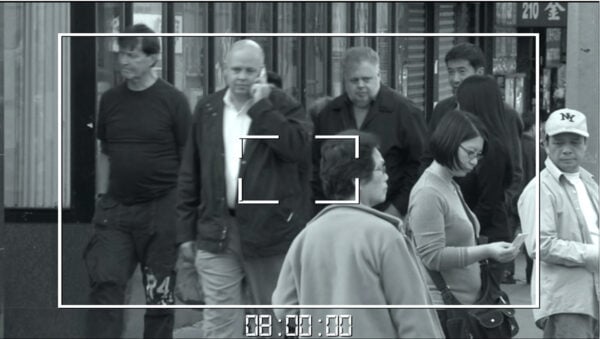
Your show has a ton of shots needing to look like surveillance footage, CCTV or targeting cameras. Previously you either had to find and import a preexisting grid overlay, or create your own screen elements such as record lights, elapsed time counter or day/date readouts…in addition to battery power level, or you have to create the overlay in After Effects and reimport into your editor…only problem is: You don’t have After Effects. What are you going to do now?
Read More
You’ve seen it before: the script calls for an earthquake in the middle of a scene and you have to simulate it. Or you have to fake a handheld camera shake. Usually, you’d have to do cumbersome and tedious keyframing and shot repositioning or other equally time-consuming tricks…and even then it might not look quite right and you have to do it again.
Read More
New Workflows, New Controls, And New Templates Help You Work Smarter Titler Pro 7 is here! This new release of our video titling software will help you speed production time as you enhance the professional look and feel of the titles and graphics in your work. The upgraded title plugin, with a re-tooled NTX engine
Read More
Making Titling Easier with Full, Dynamic Timeline Control In our fast-paced editing environments, where changing and replacing assets at the drop of a hat is more important than ever, having a quick solution for last minute graphic changes is very important. I can’t say how many times I’ve had to re-animate or re-render my
Read More
Easy, High-Quality Rolling Credits As video editors, every new editing trend can be a struggle to keep up with, especially when working to meet tight deadlines and keep up with the latest techniques. Luckily, we can count on one industry constant, rolling credits – a classic element in film and broadcast has been a
Read More
One of the most common problems I run into as a one-man production team is keeping tabs on all my assets and organizing all of my files, especially while working under tight deadlines. Fortunately, I’ve been able to minimize my struggles with Titler Pro using a simple workflow I can use over and over in most of my projects, saving me headaches and precious billable hours.
Read More
See what you can achieve with NewBlue solutions. Check out our library of tutorials and video walkthroughs.
Browse our latest articles, blogs, and customer stories.