60 Second Studio | Titler Live Drag and Drop
Featured: How To
Easily import media files using Titler Live’s intuitive Drag and Drop functionality.
Read MoreEasily import media files using Titler Live’s intuitive Drag and Drop functionality.
Read More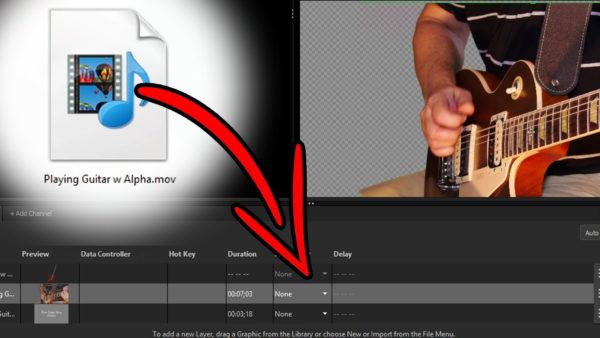
Master your green screens with Chroma Key Pro.
Read More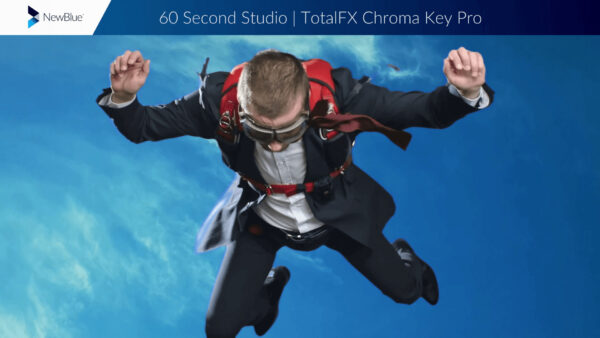
Share files across multiple NewBlue software solutions.
Read More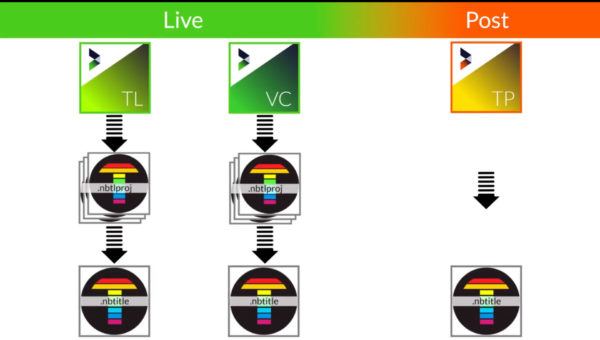
Feed stats into your graphics with Titler Live by reading directly from Stat Crew .xml files
Read More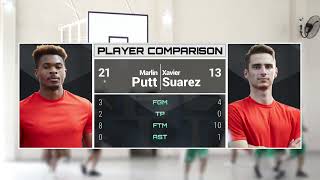
Drive your graphic’s contents entirely from the cloud using Google Sheets and Titler Live
Read More
Drive your Google Slides decks from entirely within the Titler Live 5 interface.
Read More
Create multiple iterations of a single graphic from directly inside Titler Live 5’s playout interface
Read More
Set your graphics to automatically resize themselves based on the length of new text strings
Read More
Control PTZ cameras from directly within the Titler Live 5 interface
Read More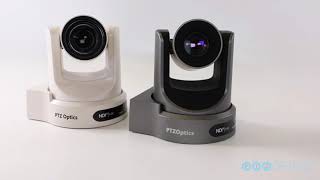
Use Cut Away to easily generate magnification overlays with customizable borders and background controls.
Read More
See what you can achieve with NewBlue solutions. Check out our library of tutorials and video walkthroughs.
Browse our latest articles, blogs, and customer stories.