
Thanks for installing a trial version of one of our products. Here’s what you need to know to get started:
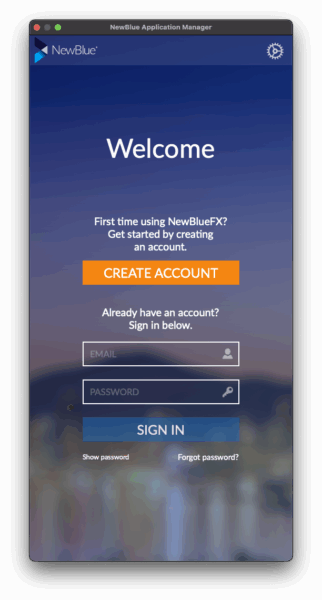 Create Your Account or Sign In
When you run the program for the first time, our Application Manager will launch prompting you to log into your NewBlue account.
NOTE: Whether you create a new account or sign in to an existing account, remember to use the same email address you used to request the trial.
 Find the Product in the Product List
After you are logged in, the product you are activating should show up at the top of the window. If your trial license is showing up there and the button says “CURRENT” you are all set. Otherwise, click the “Change License” button and paste the license number you received in your Trial Welcome Email.
Once you get your trial activated and running, be sure to contact us and let us know how it’s working for you!